Introduction to Model Context Protocol (MCP)
When you interact with a Machine Learning Model—often referred to as an LLM, or Large Language Model—it needs to have knowledge of the specific type of work you want it to perform in order to be truly useful.

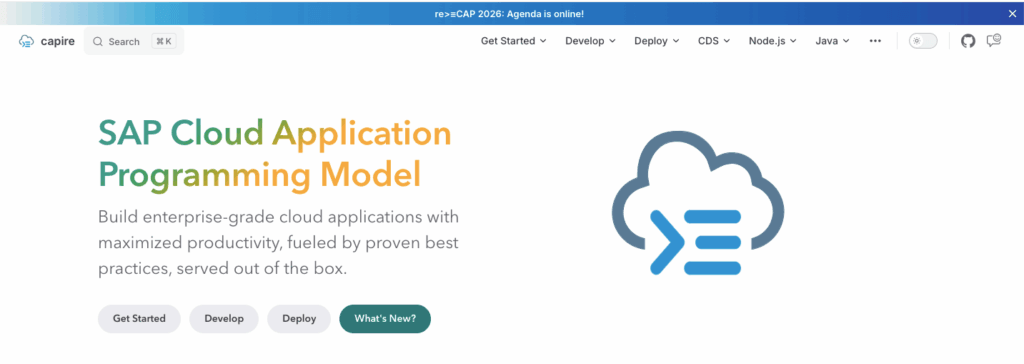
For instance, if you want to carry out CAPM (Cloud Application Programming Model) or SAPUI5 development, the LLM needs to internally understand the different concepts behind these frameworks. It must know their specific syntax and functioning to generate accurate code.
Most of the time, you are interacting with LLMs trained on massive amounts of data available on the internet. During its original training, an LLM consumes data spread across blogs, open repositories, help documents, and more. It then generates output based on this general learning.
Often, generic, general-purpose LLMs have consumed information on terms and topics across multiple domains. When we demand expertise from these LLMs for a highly specific task, you might not get the best outcome unless:
- The LLM has been explicitly trained or fine-tuned on domain-specific large datasets.
- You are using an extremely large model (e.g., 200+ billion parameters) that already possesses comprehensive, in-depth knowledge and domain expertise in your field.
Another way to achieve this is by providing the LLM with the context of your domain. If the LLM understands basic logical operations, it can derive linkages from your specific domain context.
For example, imagine you provide an SAP® CAPM help document to an LLM that has limited prior knowledge of CAPM coding. Internally, it might be well-versed in JavaScript and other open-source stacks, but because CAPM isn’t entirely open-source, the model might lack extensive training in CAP programming specifically.
How Chunking and Context Work
Rather than passing an entire help document to the AI, you divide the development practices into different sections based on the specific activities that need to be carried out. In LLM terminology, these individual sections are referred to as chunks.
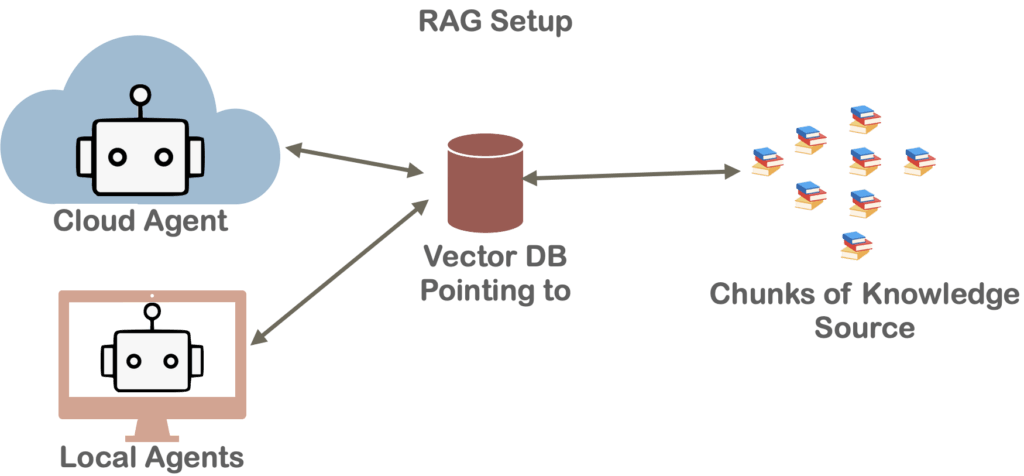
Once you have divided the entire help document into chunks based on relevance, you pass only the chunks the LLM currently needs to know. The reason for this is the context window (or working memory) limitation; passing an entire document requires significantly more processing power and VRAM. Therefore, based on the specific task, you pick the relevant chunks and pass only those. This is typically managed using a Vector Database (Vector DB), which stores and retrieves these chunks based on the user’s task to provide context to the LLM.
It can also happen that, instead of a static help document, you are talking to a live system and extracting information in real-time. The system can provide data records on the fly based on what is requested.
Enter the Model Context Protocol (MCP)
This entire process of dynamically providing data is being standardized through the Model Context Protocol (MCP). Through MCP, you pass data into the LLM’s context. In simple terms, you extract relevant information and dynamically feed it into the LLM’s working memory.
The Model Context Protocol (MCP) is an open standard and open-source framework introduced by Anthropic to standardize the way LLMs integrate and share data with external tools, systems, and data sources. MCP provides a standardized interface for reading files, executing functions, and handling contextual prompts. The entire MCP protocol operates as an open standard (now hosted under the Linux Foundation).
MCP gives everyone a single, agreed-upon standard—much like the USB-C standard for hardware—allowing you to connect external data to AI systems using an open and common framework. Under the hood, MCP uses a client-server architecture powered by a lightweight messaging format called JSON-RPC 2.0.
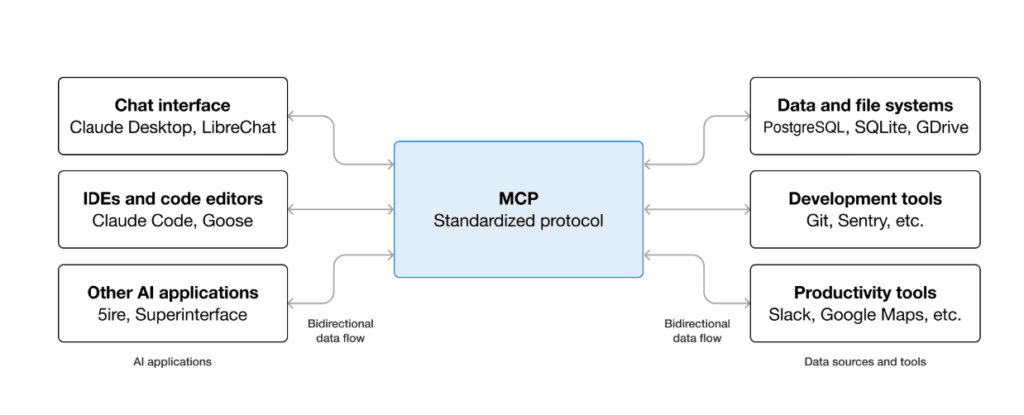
[Image Source: https://modelcontextprotocol.io/docs/getting-started/intro]
Here’s the basic picture:
- An MCP Server is a program that exposes a capability—like “read this database” or “create a sales order.”
- An MCP Client (usually your AI assistant or the app it lives in) connects to that server and uses those capabilities.
- The Protocol itself is simply the shared language they use to communicate.
MCP in Development
When we build SAPUI5 apps from scratch or extend existing functionality, dedicated MCP tools are provided to help standardize the LLM’s responses.
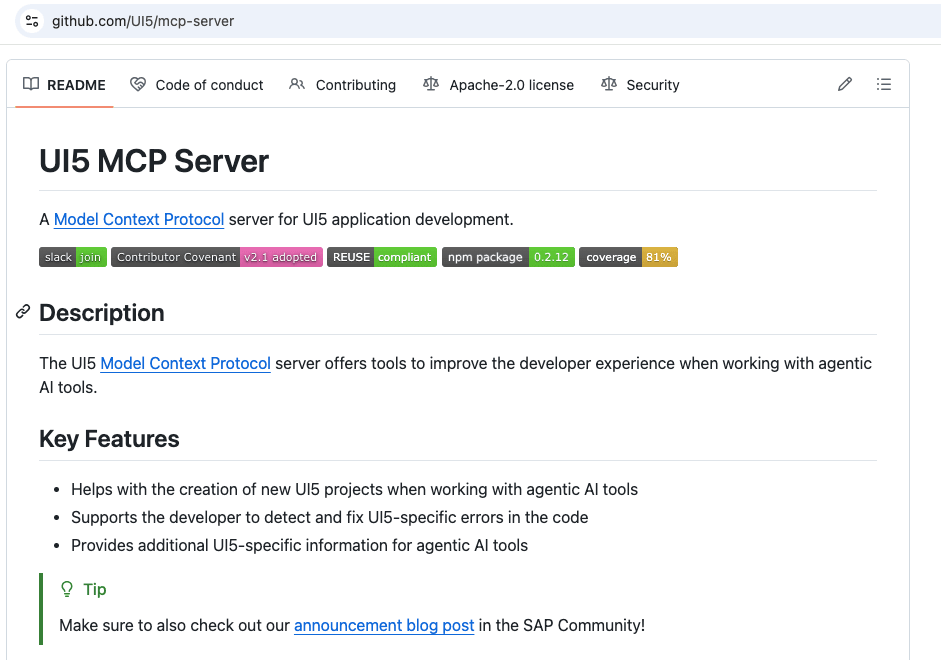
The UI5/mcp-server and cap-js/mcp-server are specialized MCP servers designed to enhance AI-assisted development within the SAP® ecosystem:
- The UI5 Server: Equips AI agents with tools to scaffold UI5 applications, validate manifests, and pull specific UI5 API documentation and best practices.
- The CAP Server: Empowers AI models to natively understand the SAP® Cloud Application Programming Model by allowing them to fuzzy-search CDS model definitions and perform local, vector-based semantic searches through CAP documentation.
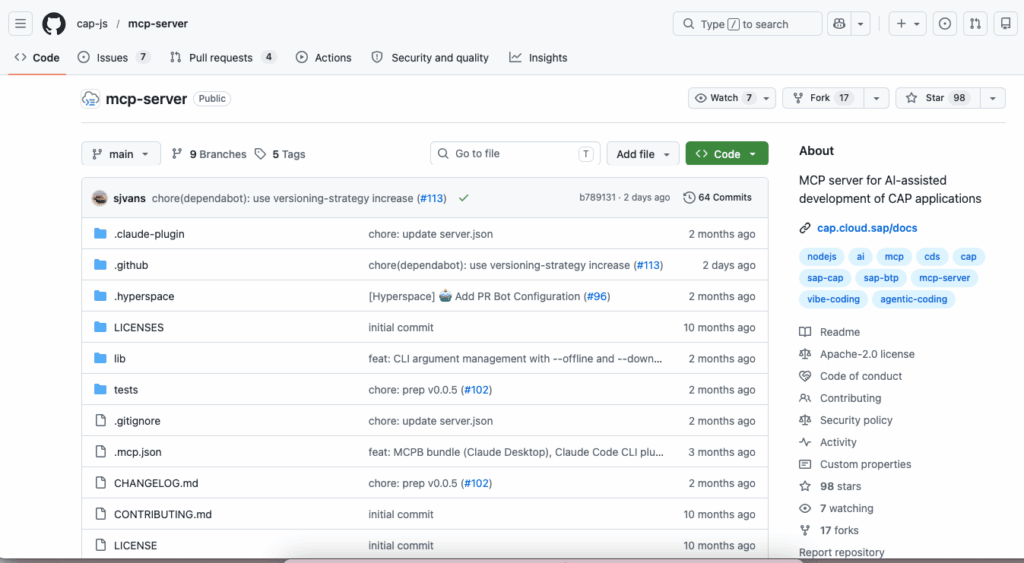
As an SAPUI5 and SAP® CAPM developer, if you are building apps by directly interacting with AI agents like Claude, Codex, or others, you will find that the agents initially generate code based solely on their pre-existing training for that framework. Adding MCP support to your coding agent will further boost accuracy, steering the AI toward not only more standardized code but also more accurate, best-practice-based outcomes.
Want to learn more? If you want to dive deeper into how you can develop apps using SAPUI5 and SAP® CAPM with MCP, we highly recommend the UI5CN Learn AI Development for SAP® Developers course. It covers these topics alongside others, such as: working with AI and LLMs, using agents (like Claude, Codex, and Cline) to run LLMs, practical hands-on LLM usage, SAP® MCP, AI SDKs, and more!